I wish that applied in my workplace, where the IT staff treat you like a regular user every single time and go through their little scripts when you’re clearly telling them what the actual issue is, you just don’t have permissions to fix it.
For example, when debugging containerised .net applications through Visual Studio and Docker Desktop on a Windows system, there’s a Powershell script called GetVsDebug which gets you the files you need to debug, since they aren’t included in the installation by default. Normally, if you have admin rights on the machine, it’ll just run that script quietly, get the files and you’re set. In my workplace, Powershell scripts are banned from running from anything that doesn’t have admin rights, including Visual Studio, so it was failing to run every single time.
IT told me to restart my PC, asking me what Visual Studio was, asking me to get a link to it on the Company Portal, trying to get my to re-install it. They even offered to get a new Laptop when I was outright telling them, “None of that is going to work. The issue is that this software doesn’t have the permissions to run powershell scripts”, but nooooope… In the end I just went looking for the script and ran it manually using my own admin privileges and from now on I only ask IT to do something if it is literally impossible for me to do it myself. Other devs are going to have the exact same issue in the future but I’m not going into that mess again.
That’s all well and good, but I hope you realize you’re the exception and not the norm. I’d be willing to bet most workplace users would be unable to set up a computer at their desk unaided if you handed them the workstation and monitor in boxes and told them to have at it.

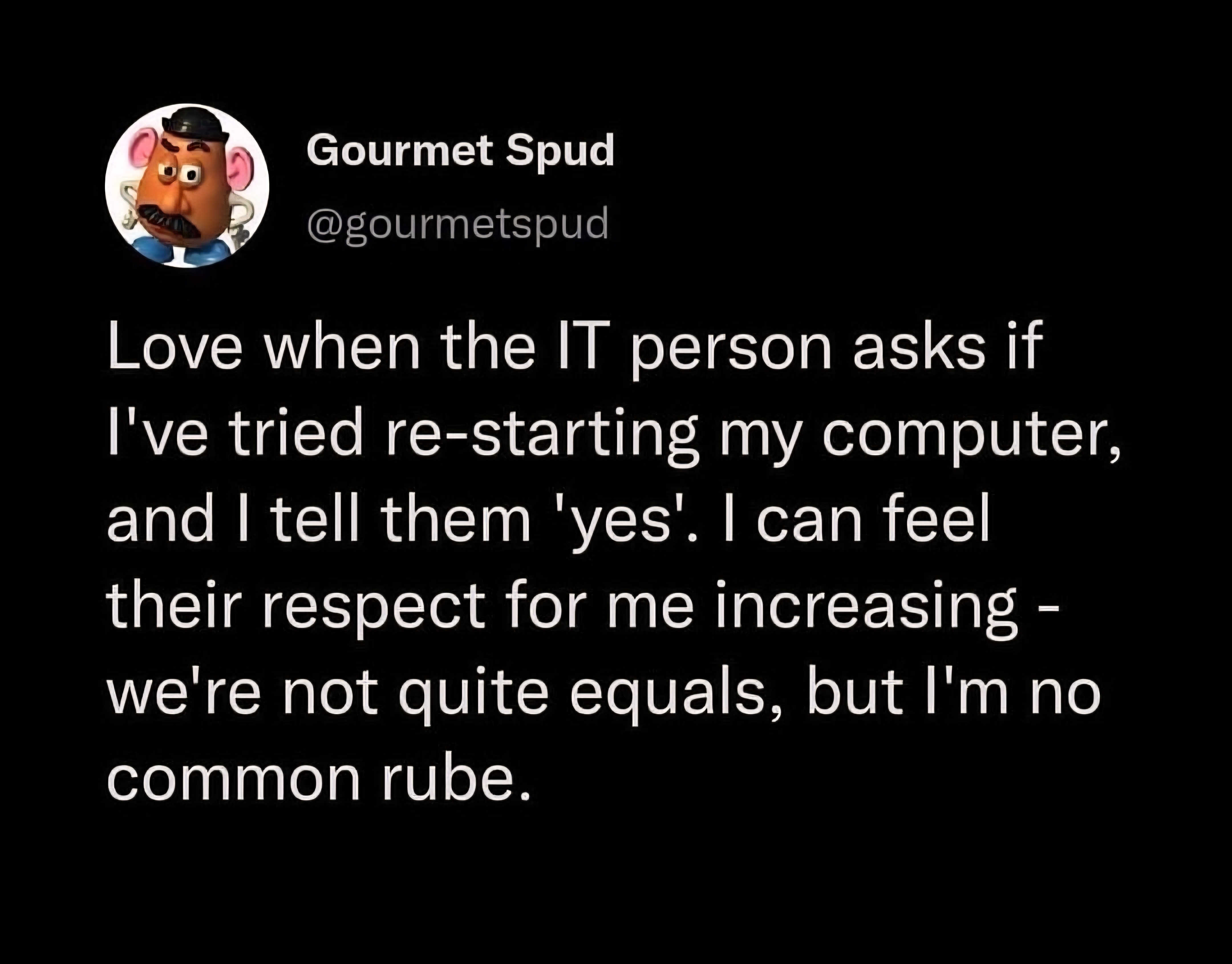
I wish that applied in my workplace, where the IT staff treat you like a regular user every single time and go through their little scripts when you’re clearly telling them what the actual issue is, you just don’t have permissions to fix it.
For example, when debugging containerised .net applications through Visual Studio and Docker Desktop on a Windows system, there’s a Powershell script called GetVsDebug which gets you the files you need to debug, since they aren’t included in the installation by default. Normally, if you have admin rights on the machine, it’ll just run that script quietly, get the files and you’re set. In my workplace, Powershell scripts are banned from running from anything that doesn’t have admin rights, including Visual Studio, so it was failing to run every single time.
IT told me to restart my PC, asking me what Visual Studio was, asking me to get a link to it on the Company Portal, trying to get my to re-install it. They even offered to get a new Laptop when I was outright telling them, “None of that is going to work. The issue is that this software doesn’t have the permissions to run powershell scripts”, but nooooope… In the end I just went looking for the script and ran it manually using my own admin privileges and from now on I only ask IT to do something if it is literally impossible for me to do it myself. Other devs are going to have the exact same issue in the future but I’m not going into that mess again.
That’s all well and good, but I hope you realize you’re the exception and not the norm. I’d be willing to bet most workplace users would be unable to set up a computer at their desk unaided if you handed them the workstation and monitor in boxes and told them to have at it.
You’d think IT would be able to look at the team and job title and skip the script though, or even just read the description of the ticket.