
You must log in or register to comment.
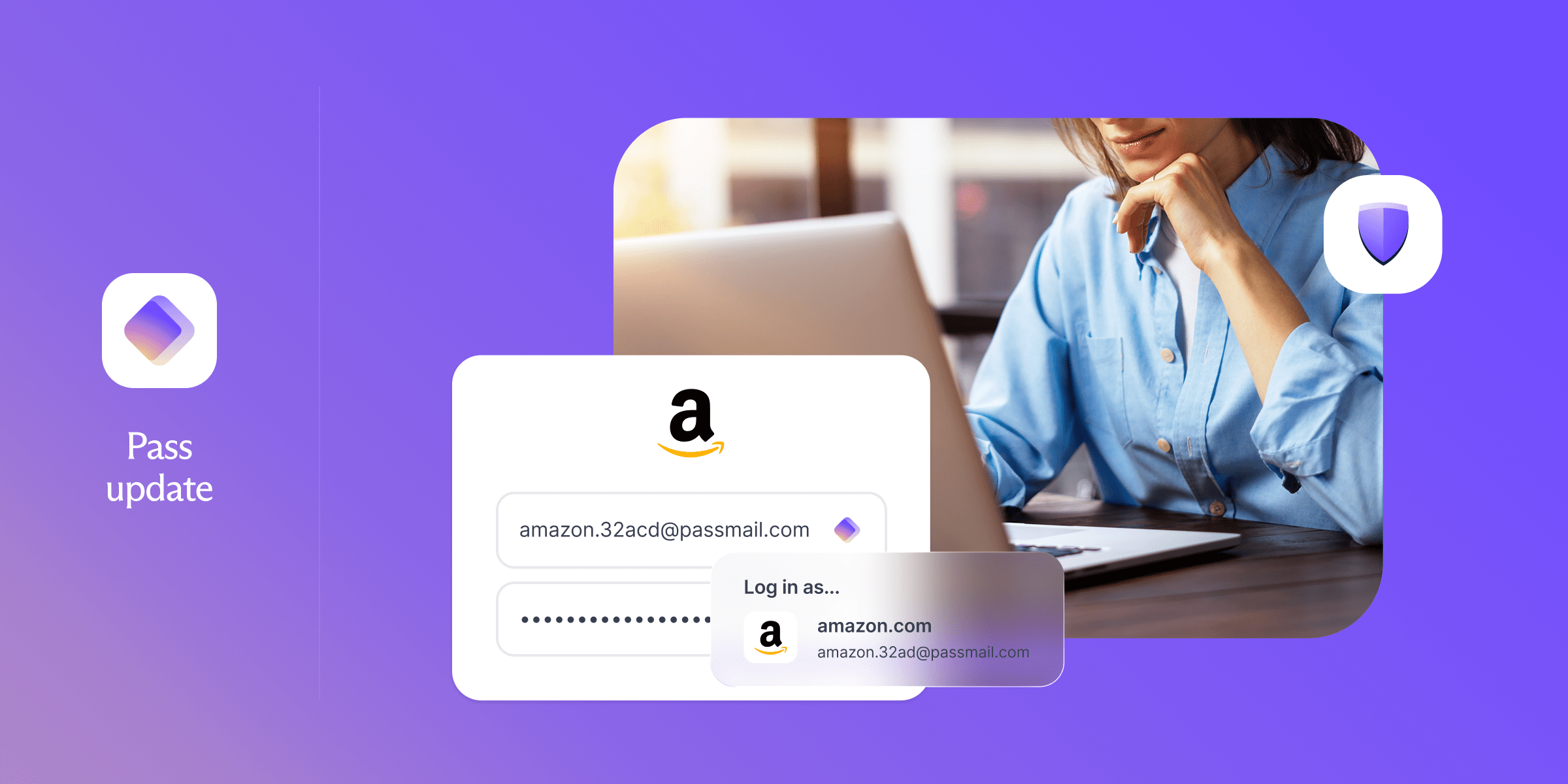
Nice, this was really needed and looks great! The only thing it is missing for me from proton pass is a button autofill option from the extension, so I can disable the form pop up autofill.
That’s great news. I’ve been using Proton pass for a while now and got used to the cases where i have to copy paste username and password manually, but the less i notice my password manager being there, the more i enjoying using it.
Excellent. There’s a couple quirky sites I hope are fixed.
One thing I am missing with the browser extension (Firefox) is that while the vault is locked, sites ignore it as an option for passkeys.
So if I want to use a passkey, I need to unlock the vault and hit the passkey button. Worse, on some sites it automatically checks for passkeys. So I need to unlock the vault and then refresh the page.
I’ve noticed that Proton Pass is struggling with sites where you have a contract number, a password and a user ID.
Let’s hope it’ll be better soon🤞
If you have website with this, if you have a paid plan you can created custom fields with the name of the field and it will autofill the field from that custom entry. This allows you to have an ID, username and password all be autofilled.
I followed this https://proton.me/support/pass-custom-field and create the custom field, but it doesn’t seem to work. This is how it looks

It’s the “Identification de l’utilisateur” part which is a problem, so I guess they still have to improve this.
The custom name has to be the exact name of the field. The easiest way to get this is to inspect element on the textbox then copy the name of the textbox field itself.
Okay then I’ll try again. I copy/pasted the text, but there might have been a hidden element I haven’t seen.
I get 4 choices between text, date, hidden and 2FA. I chose text but it’s not so clear as the field is text and the element to fill too.
Oh then I might try this. Thanks 👍