

- cross-posted to:
- [email protected]
- cross-posted to:
- [email protected]
Un-redacted text from released documents began circulating on social media on Monday evening
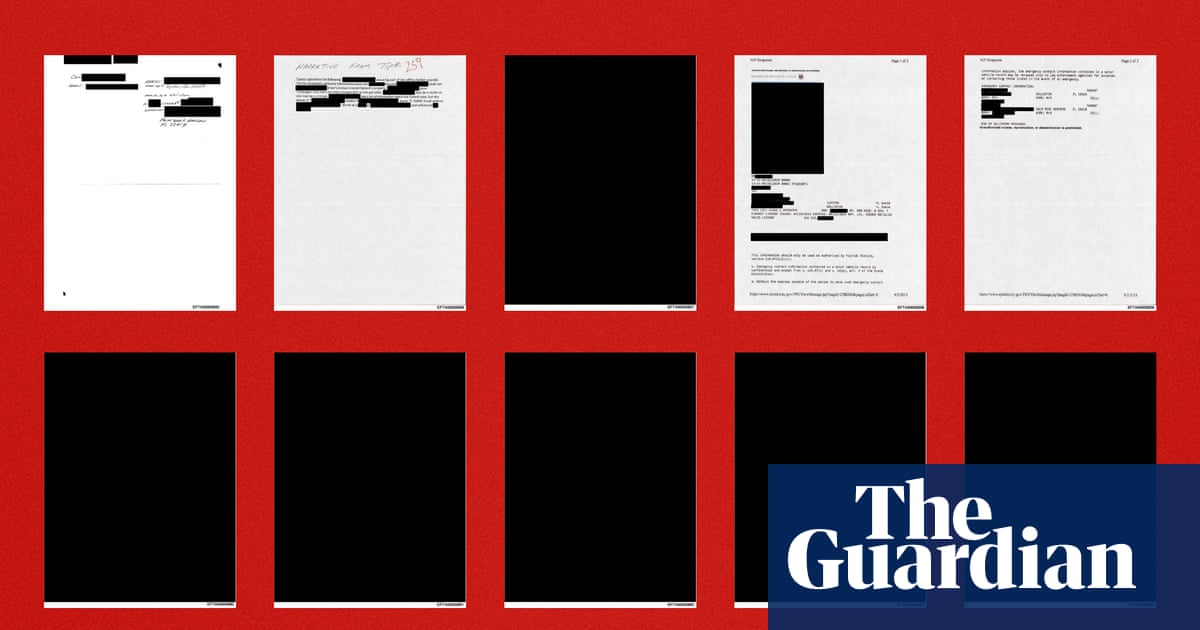
People examining documents released by the Department of Justice in the Jeffrey Epstein case discovered that some of the file redaction can be undone with Photoshop techniques, or by simply highlighting text to paste into a word processing file.
Un-redacted text from these documents began circulating through social media on Monday evening. An exhibit in a civil case in the Virgin Islands against Darren K Indyke and Richard D Kahn, two executors of Epstein’s estate, contains redacted allegations explaining how Epstein and his associates had facilitated the sexual abuse of children. The exhibit was part of the second amended complaint in the state case against Indyke and Kahn.
You have to be more careful than many people expect think with the redaction tool. Sometimes it’s text being redacted. Sometimes it’s a graphic. Sometimes it’s both on top of each other.
That’s why my final step in redacting documents for Open Records (I do a LOT of it) is to flatten the PDF.
But the real bitch is protected docs. Some docs keep the redaction tool from working (e.g. docs with digital signatures). Sometimes I actually have to print a doc out and re-scan it to get the redactions to stick.
why are there so many people in this thread that redact things often enough to have favorite workflows?
I work in government and Open Records requests are regular things, and I have to redact a bunch of stuff to protect people’s privacy.
Thank you for your service
Hang in there
I redact, print, and then scan. Its the only way to be sure.
Export to PNG -> redact PNG.
Ain’t nothing hiding behind those (0,0,0) pixels.
I do all my markup, attempt to flatten, then print the result to PDF, then open the result and export the text to validate.