Yes, but then you have to wonder if the person understands what a reboot is and didn’t just quit the application or just log out of the PC and back in without a clear of RAM
i once asked a kid if he turned the laptop off and on again, he said yea. so i started to try to fix the issue, nothing worked. so i decided to reboot anyway and it worked. ive never trusted anyone who responded yes to this question again
Thinking about ISP problems: why the fuck do I need to restart when the issue is clearly on your end? 99% of the time restarting doesn’t do shit to resolve bad provisioning, modem-specific problems, bad coax, etc. And I don’t want to restart until I’m prompted because I’d rather some of these shitty modems that don’t keep logs have something available for inspection.
Anyway, I use all my own hardware so this really only ever happens when I try to help family and I’ve done everything on my side of the modem already.
Sadly, the number of times I’ve had to reboot windows two or three times to fix an issue lately has been increasing. I’m so glad I’m not in IT trying to support windows 11.
My SO recently bought a laptop designed for (and subsequently sold with) windows 11 and I can’t believe how utterly broken that system feels. It really feels like you’re running an alpha. The system interface completely lacks coherence.
(For context I’ve been running linux for several decades)
Sadly, the number of times I’ve had to reboot windows two or three times to fix an issue lately has been increasing.
This sounds like your organization’s group policy is too large or your connection from your machine to a domain controller hosting your GPOs is too slow. There’s a timeout period. If all the GPO contents are not pulled down to the local machine, it stops downloading them, and lets the user continue to the Desktop. However, for lots of orgs GPOs are how they deliver settings or software, so you have to reboot again and on the next login, it will pick up downloading where it left off. It could still timeout again if there is more GPO data (or the connection is too slow). So you may have to reboot multiple times, and on one of those it will finally complete the downloads, and then suddenly everything works because all the right data or settings from the GPOs are on the local machine.
I use a Mac at work and don’t have this problem. It’s mostly been my parent’s fairly new Windows 11 laptops. I can’t stand it and feel like Windows does nothing but get in the way of productivity in a work setting. Since at least Windows 7.
Microsoft fired every developer who knew what they were doing and is defecating windows updates produced by Copilot without anyone even testing if they work.
At this point it’s a miracle an updated Windows 11 even boots.
I just check the last boot time, though win10 fucked that up and made shutting down not actually restart the system… Nothing like getting schooled by an older customer because MicroSlop changed behavior.
I was just about to comment basically this. It doesn’t help that MS changed the default behavior so that a lot of people that think they were shutting down their computers were actually just putting them to sleep.
One time my Mom had that same thing happen. She genuinely thought she’d been shutting down the computer but that damn “Low Power mode” for “Faster wake up” had been keeping it from fully shutting down so it hadn’t actually been turned off in months. She was so fucking mad when I showed her what it had been doing.

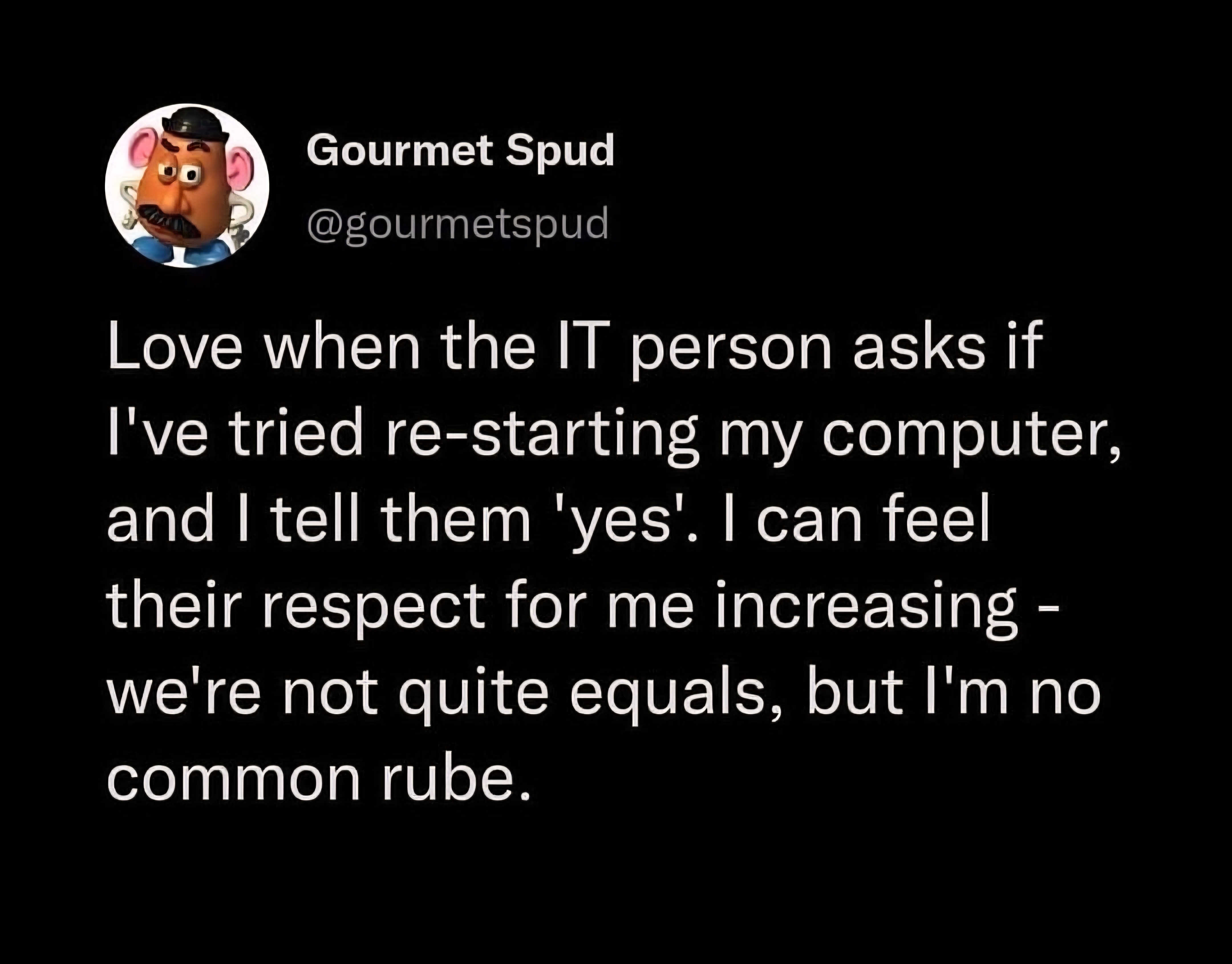
Yes, but then you have to wonder if the person understands what a reboot is and didn’t just quit the application or just log out of the PC and back in without a clear of RAM
They turned their monitor off and back on again.
“My last computer was all in the monitor, where’s this one?”
Found the iMac user.
FWIW, lots of brands have AIO PCs now.
They blinked slightly longer than usual
i once asked a kid if he turned the laptop off and on again, he said yea. so i started to try to fix the issue, nothing worked. so i decided to reboot anyway and it worked. ive never trusted anyone who responded yes to this question again
“Have you tried turning it off and back on?”
“yes, obviously that was THE FIRST thing I tried”
system uptime 582 days 23:59:12
Thinking about ISP problems: why the fuck do I need to restart when the issue is clearly on your end? 99% of the time restarting doesn’t do shit to resolve bad provisioning, modem-specific problems, bad coax, etc. And I don’t want to restart until I’m prompted because I’d rather some of these shitty modems that don’t keep logs have something available for inspection.
Anyway, I use all my own hardware so this really only ever happens when I try to help family and I’ve done everything on my side of the modem already.
Sadly, the number of times I’ve had to reboot windows two or three times to fix an issue lately has been increasing. I’m so glad I’m not in IT trying to support windows 11.
That doesn’t seem like a problem with Windows 11, but with misconfiguration on the server or on your end.
Never had to restart multiple times unless some config asked for it. And every computer at my job is running Windows 11.
My SO recently bought a laptop designed for (and subsequently sold with) windows 11 and I can’t believe how utterly broken that system feels. It really feels like you’re running an alpha. The system interface completely lacks coherence.
(For context I’ve been running linux for several decades)
most issues we get are with windows 10 now that microsoft doenst care about the os anymore. bro we cant even print through windows 10 anymore 😭
This sounds like your organization’s group policy is too large or your connection from your machine to a domain controller hosting your GPOs is too slow. There’s a timeout period. If all the GPO contents are not pulled down to the local machine, it stops downloading them, and lets the user continue to the Desktop. However, for lots of orgs GPOs are how they deliver settings or software, so you have to reboot again and on the next login, it will pick up downloading where it left off. It could still timeout again if there is more GPO data (or the connection is too slow). So you may have to reboot multiple times, and on one of those it will finally complete the downloads, and then suddenly everything works because all the right data or settings from the GPOs are on the local machine.
I use a Mac at work and don’t have this problem. It’s mostly been my parent’s fairly new Windows 11 laptops. I can’t stand it and feel like Windows does nothing but get in the way of productivity in a work setting. Since at least Windows 7.
Microsoft fired every developer who knew what they were doing and is defecating windows updates produced by Copilot without anyone even testing if they work.
At this point it’s a miracle an updated Windows 11 even boots.
This is why I’m on Linux at home and I refuse to update my work Win11 machine past 23H2
I just check the last boot time, though win10 fucked that up and made shutting down not actually restart the system… Nothing like getting schooled by an older customer because MicroSlop changed behavior.
I was just about to comment basically this. It doesn’t help that MS changed the default behavior so that a lot of people that think they were shutting down their computers were actually just putting them to sleep.
One time my Mom had that same thing happen. She genuinely thought she’d been shutting down the computer but that damn “Low Power mode” for “Faster wake up” had been keeping it from fully shutting down so it hadn’t actually been turned off in months. She was so fucking mad when I showed her what it had been doing.
deleted by creator
We don’t wonder. I don’t even ask. We just check the uptime to confirm. Or reboot it again just to be sure.
checks task manager Uptime of 200 days. 🙃
I had someone tell me that they had “restarted AND rebooted” their computer a couple weeks ago and I knew immediately that they had done neither.