
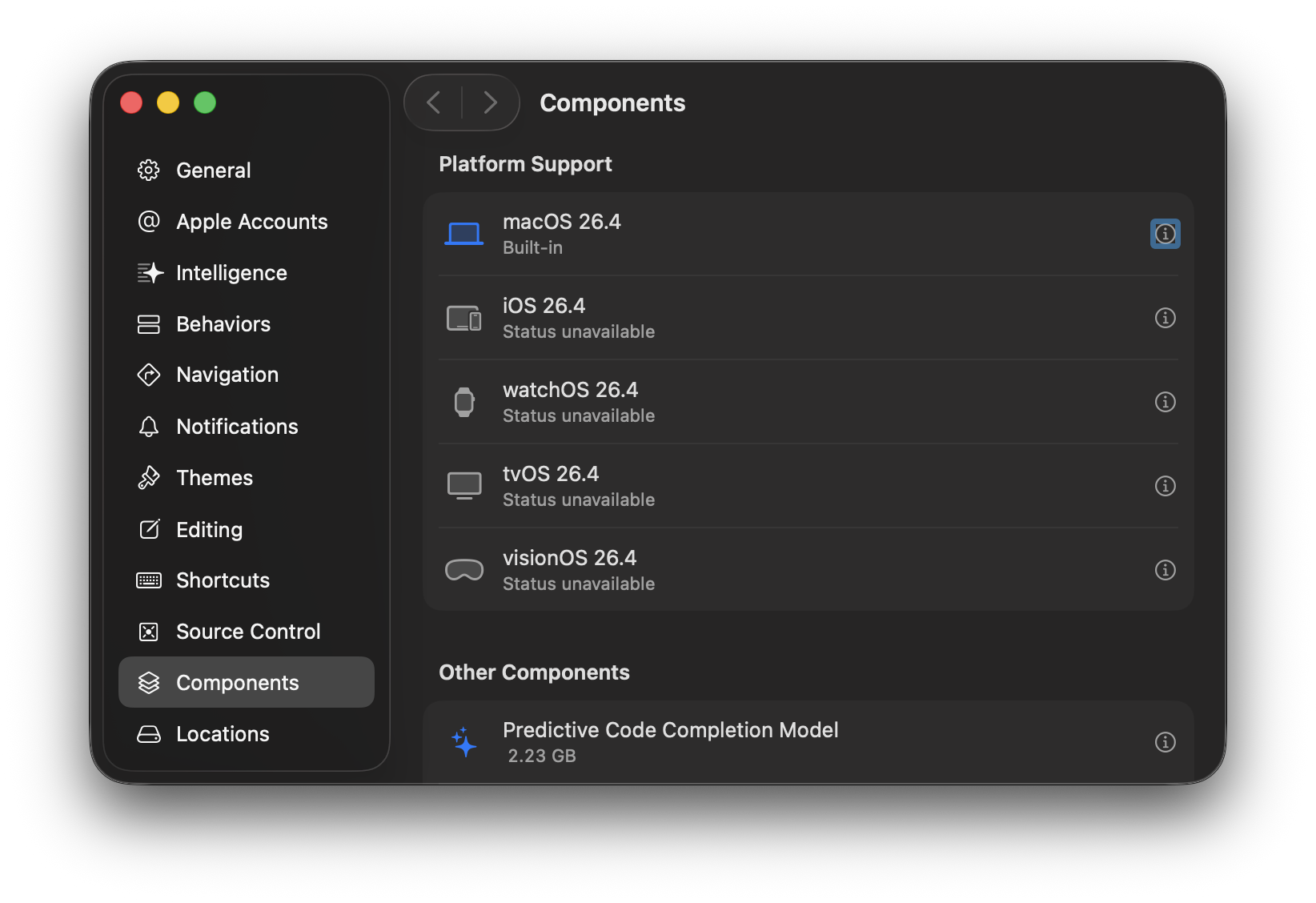
I recently upgraded to Xcode 26.4. However, whenever I go to download the iOS, watchOS, tvOS, and visionOS platforms, it says “Status unavailable”.
I tried to uninstall Xcode. I tried to delete ~/Library/Xcode and reinstall Xcode. I restarted my computer. I tried to install it using Xcodes.app.
I also tried the following command: xcodebuild -downloadPlatform iOS. But that gave me the following error:
Finding content...
Unable to connect to simulator.
I also looked at this repository (https://github.com/filsv/iOSDeviceSupport) to see if I could manually download the files and move them to the correct directory, but they don’t have the recent files.
I’m really at a loss for what to do next here.
How can I fix this and download the platform support files?
You must log in or register to comment.