

- cross-posted to:
- [email protected]
The recent federal raid on the home of Washington Post reporter Hannah Natanson isn’t merely an attack by the Trump administration on the free press. It’s also a warning to anyone with a smartphone.
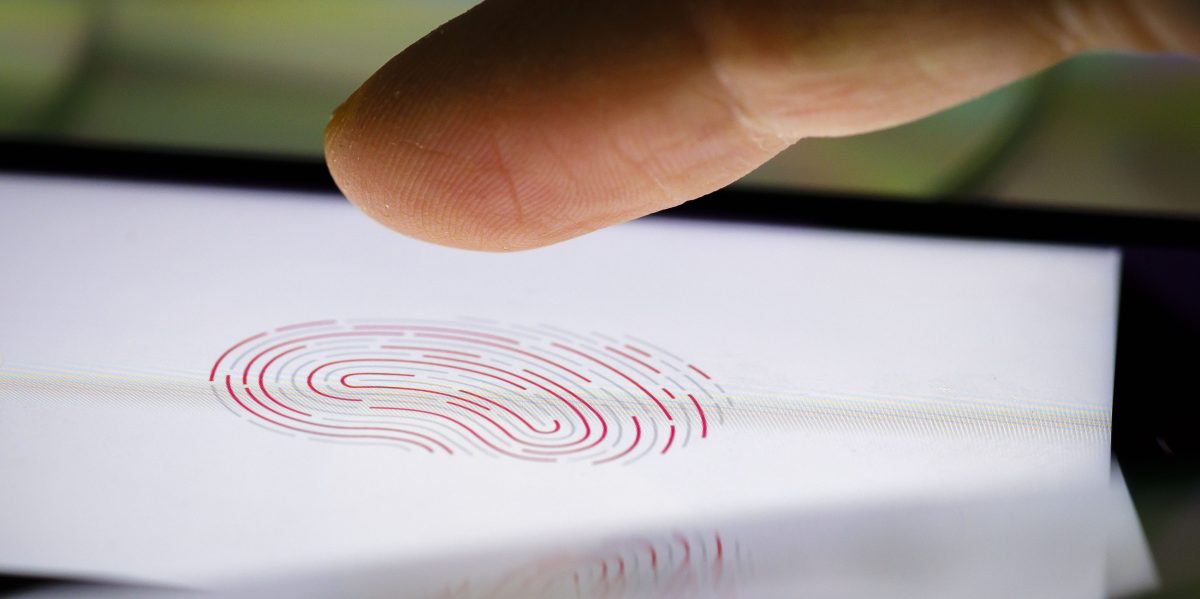
Included in the search and seizure warrant for the raid on Natanson’s home is a section titled “Biometric Unlock,” which explicitly authorized law enforcement personnel to obtain Natanson’s phone and both hold the device in front of her face and to forcibly use her fingers to unlock it. In other words, a judge gave the FBI permission to attempt to bypass biometrics: the convenient shortcuts that let you unlock your phone by scanning your fingerprint or face.
If you press the lock button on your iPhone several times in a row, it will force the entry of a pin next time it starts.
Test it out, and learn how to do it quickly if the popo comes for you.
On my pixel I can just hold the power button and click “Lockdown” on the menu and it will force the code
I don’t like this because it’s hard to do quickly without being obvious.
Do it very obviously as a fuck you instead
If it’s obvious and slow, which it is, someone might be able to physically intervene to stop you.
iPhone users: Hold power and either volume up or down button for two seconds It will lock and ask for your pin, regardless if you shut down the phone or not.
Learn how to do it quickly and blindly, with your phone in your pocket.
Also change the passcode type to alphanumeric even if you just use numbers. Makes it impossible for them to unlock it with that Mosad software. Though you probably need to make the passcode longer than 6 characters and add in a few letters. Like a 6 number passcode just take days to crack. While a 12 character alphanumeric code takes thousands of years.
I haven’t done as much research on iPhones… does that put it back into a BFU state, or just not accept biometrics?
There is a difference if it doesn’t force it back into BFU state, not for say a patrol officer/agent on the field, but definitely if they’re trying to get into your phone later.
It just disables biometrics, so not a complete lockdown, but better than nothing.
If you want to do a better lockdown, you do the following, it takes longer however:
This will force a restart of the device and require the pin to be entered.
You can just hold the lock button and volume up until it prompts you to power off.
Or swipe down the control center and there a power icon in the top right
Edit. Apparently that control center thing doesn’t work on my phone but it used to
Is this not just AFU? If so, the effect for a physical user is the same (needs the passkey), but encryption keys are still loaded.
You don’t even need to do it multiple times. If you go into the power menu while it’s locked it requires it so just power + vol up