

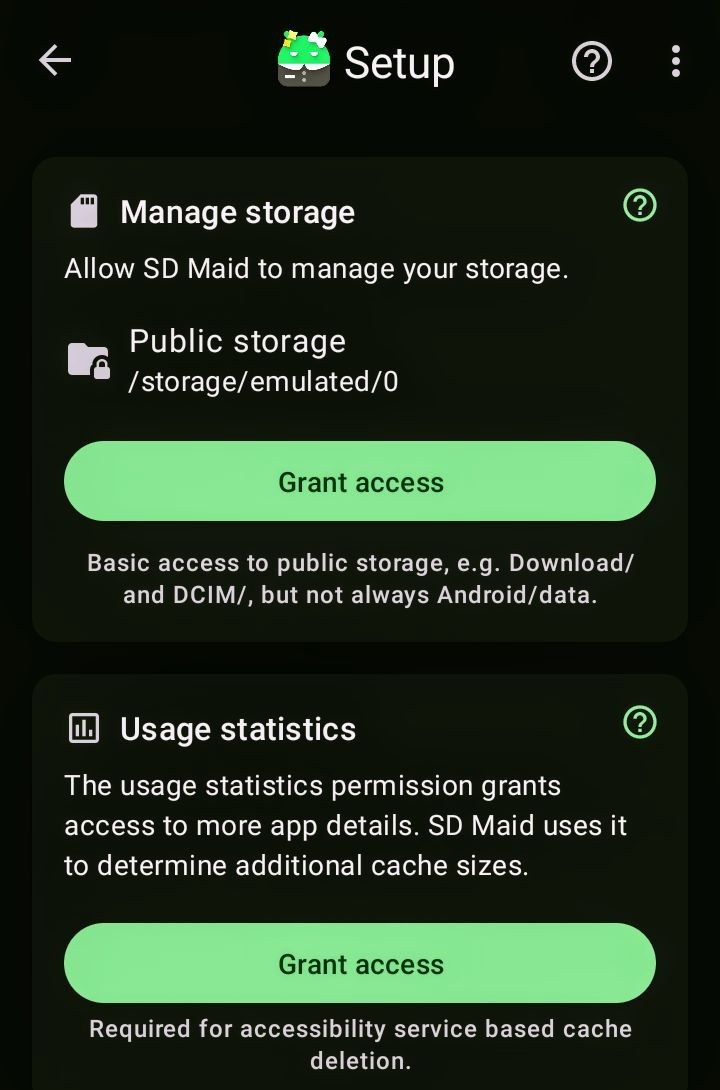
In order to continue with the setup of SD Maid SE, l need to click on these buttons. But even after clicking on those buttons, nothing is happening.
Rule 5. Locking.
This could be because something you have running has an overlay on-screen (such as a color temp adjuster or anything that can pop-up on screen over other apps - such as screen recorders, instant messengers, etc. If you can think of anything like that you have running, try turning it off.
Maybe try setting the permissions manually through Settings-Apps-SD Maid-Permissions
I don’t know how exactly how to do it.
Like I described.
You could long tap on SD Maid SE, tap on the “!” or “app info” or whatever it’s called on your system, tap “permissions” and enable the necessary permissions there.
I installed mine a long time ago so I’m not sure, but doesn’t SD Maid SE need a rooted system, or superuser privileges somehow? My Magisk app (which grants these privileges in my case) has SD Maid SE registered as such.
I uninstalled it. I’m going to install it again and give it access.