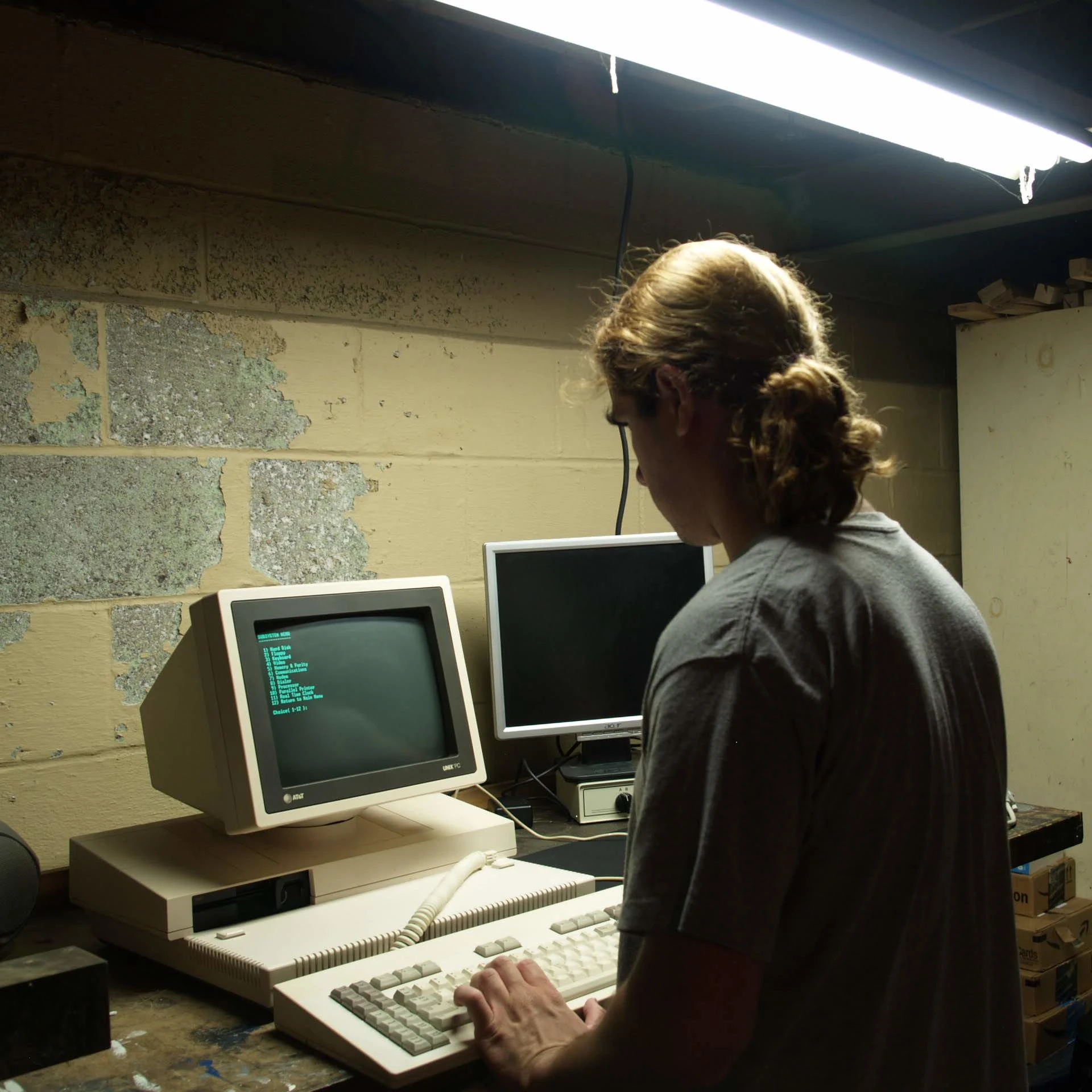
Is your fault for not using \LaTeX
/s
Has anyone actually tried LaTex? Because Ho Lee Fuck.
Took me like 8 hours from download to compile of my first document on Windows, and it fucking failed to compile.
Oh and it seems the generated files have trouble with ATs systems so that’s fantastic. I built a pretty resume that never makes it into anyone’s hands
I wrote my entire undergrad project in it first time so yeah.
For the time period it came out, I am very impressed a program can position everything without bugs.
Like you would expect it to surely miscalculate whatever layout magic is going on when writing math fornulas.
There’s a relatively new latex replacement, which is much easier to use, although its ecosystem is not as complete (obviously)
(The CLI tools are OpenSource and independent from the GUI thing they sell)
Yeah, I wrote my thesis in it. As a programmer it made total sense to me.
Its quite professional looking but good god smite my ass if I ever have to use it again
Yes?
I use it all the time.
Seems a skill issue on your behalf honestly, I gave no idea how could possibly take that long.
It takes 3 hours because it’s only available as a torrent shared at 56 kbps, then you have to stand up vs code. Then figure out how to setup a compiler, get a bunch of different plugs, then learn the magic commands to compile a document.
It seemed very not user friendly.
I work in IT and I had so much trouble.
How people think my Grandma is going to swap from Word to this is beyond me. She can’t even figure Word out.
Or you can not do that.
In Linux install a LaTeX editor like texstudio + texlive full.
On windows texstudio + miktex i think it was called.
Then is just about learning the syntax and getting accustomed to using it, maybe write some macros, overall no more than an hour setting it up, and using it a couple of days to getting used to it so you write fast.
You comically overcomplicated yourself lol.
And is not for grandma (unless she’s in academia) is for people who write mostly technical stuff or in general text documments that are everything but plain text.
One time a very large, very important word file had a phantom page break that couldn’t be selected, and didn’t go away with backspace/delete.
I ended up opening the raw content of the docs to rip out the offender. Docx files are zip files with lots of XML data inside; I was eventually able to find the bit between the two paragraphs where the break was happening, and deleted it in notepad.
Pretty much done doing that type of task in Word now. Heck, I’ll do large documents in Markdown editors.
I didn’t know that. Is everything just a secret XLM file? Am I just an XML file?
🧑🏿🚀🔫👩🏼🚀
Big fan of Typst these days;
Markdown-like syntax, with LaTeX typesetting, great for technical documents at least
A glance at their website says that the data is only stored in Europe, though on Azure servers encrypted at rest to which Microsoft holds the encryption keys. That last bit is an absolute deal-breaker for me.
Zero- knowledge encryption or don’t waste my time. I’m not putting legal/medical/etc docs into the cloud with only a “trust me bro” from the creators of Co-Pilot.
Ohh, I don’t use their web based application… The compiler is open-source, so I just run it completely offline
Github repo for reference on how to install the compiler/CLI version
Great info. Thanks so much! I’m no defender of Word or of Microsoft, so I’m always on the lookout for alternatives, though Libre Office most often suits my rather simple needs.
I can’t recommend this enough, we have had good, though unfortunately limited, experiences with it at my university so far.
The last piece of documentation I wrote was in Jupyter notebook. It looked a bit basic, but it felt wonderful to be in control of my software.
I feel that. Markdown just does what I want better. Someday if I ever have to write a lot for work I’ll actually learn LaTeX, but I just didn’t have the energy to give it the effort it deserved in college
Markdown in the old WordPerfect 5.1 (reveal codes) was a great thing.
Ctrl + Shift + 8
It should show you the page breaks and section breaks. You can remove them if needed.
And we learn such things by trying and searching for things, right? So no real issues in it
Sometimes you actually have to go to the top line of the extra page, select that break it won’t let you delete because Word is the fucking worst, and change the font size to be impossibly small.
Word is the fucking worst
Wait until you have to use Word OnlineTM, it’s as equally as painful as being burn alive in hell
To this day, you can’t change measurement units in Word Online. I have Czech language, timezone, locale etc. and it’s still inches. My grandma’s Word 1997 with Clippy can do that.
I think one of the wires offenders here is tables, because they always have an extra blank line after the last row.
I’ve done this, but sometimes I get a break that can’t be selected or deleted. You can search for the breaks with “ctrl + F” and enter “^p” - case sensitive, and it’ll find them, but try as I might, I couldn’t select or delete the stubborn one
Press that secret “|P” looking item. It will help you show what hidden characters there are on a page!
And once you find the stay paragraph/page break, 50% chance it let’s you delete it!
I think you mean 
:-)
Yes, the Pilcrow.
In case you’re using the web app version of word, that has blank pages left over, it’s likely that they’re actually not possible to delete in the online version.
Hidden page breaks are only possible to remove in the desktop version of Word. I originally encountered this in the university when writing my thesis on the school template (unfortunately we weren’t allowed to use LaTeX), and as I was using Linux I had to install a Windows VM to get rid of the page breaks in the template.
How can they not allow LaTeX and how would they know?
It’s a university of applied sciences, they have a very low confidence in their students’ IT skills. Either that, or they lack the knowhow to create a LaTeX template. Honestly, probably both.
Theses have a certain set of requirements in the EU, like being archival-compatible and accessible. It’s easiest to fulfill those guidelines if you just require people to use a Word template and tick certain boxes when exporting the PDF/A.
I ended up using LaTeX anyway in order to join the code examples as appendices. I had to separately prove that the document still passed all the requirements though. I didn’t want to start pasting screenshots of code, as I find it unreadable. You get much better code formatting on LaTeX.
By requiring docx format in the end?
Luckily not, law around here requires all university theses to be in an open and archival compatible format, like PDF/A. No docx allowed for publication.
Unfortunately not my case nobody care here about and most orgs require docx
I’ve recently had to use Word heavily. After all these years, I still don’t understand it.
It’s like Adobe Illustrator to the rest of the Adobe suite. It just does everything it’s own way with zero familiarity to Photoshop, InDesign, Premiere, AfterEffects, Lightroom, etc. All the way down to the interface and menus being it’s own thing.
But say that to someone that knows Word (or Illustrator) well and they look at you like you’re an idiot.
“Yeah, you have to sacrifice a goat and hit this exclusive key combo, obviously.”
I swear I’m not an idiot. I just haven’t been in the abusive relationship long enough to try make it work.
“Hey Word, I’d like to remove the header and page number from page 6 and only page 6.”
“Go fuck yourself user”
I just did this yesterday with footers. Create section breaks at the end of 5 and 6. Then click on the footer, unlink it, then delete. Then you whisper to yourself “fuck yeah”.
I think the answer there is section breaks
That’s what people have said for years, and it’s a bullshit solution that shouldn’t be necessary. Word has had 40 years to address simple shit like this.
Like, what’s the proposed solution? A list of header exception page numbers?
Just click the footer, check a box to make changes apply only to a single page, and do whatever the fuck you want.
The solution is to uninstall Microslop 360 Copilot AI™®© and write it in LaTeX.
Illustrator was first, and, like all Adobe products, it has kept a lot of quirks from its past. They have worked to bring them closer, but there are fundamental differences between editing vector and editing pixel images. If you use both tools daily, the quirks they’ve kept sort of make sense.
Adobe didn’t have a page layout program till they bought Aldus Pagemaker, which they kept going until they developed InDesign. They left Pagemaker to rot while they pushed InDesign. So InDesign was made with a similar interface to Photoshop. Same for the others–they came after Photoshop gained traction, so they all have a similar UI.
As a graphic designer, starting in '92, I used QuarkExpress, PageMaker, Illustrator, Photoshop, InDesign, CorelDraw, and even Corel PhotoPaint. I also used Blender. I knew what each could do better than the other, and used the right tool for the job. Out of all of them CorelDraw was the most complete and broadly competent–it’s Illustrator and InDesign combined. I used Corel Draw and Photoshop 80% of the time.
I don’t know if it’s still true, but for many years, Illustrator only had marquee select by touching, and didn’t have marquee select by enclosing. Corel Draw has both, with enclosing being the default. With marquee select by enclosing, the need for layers is far less. Layers in Illustrator are needed primarily to ease selecting of multiple objects. If you wanted to select that collection of small circles that was totally enclosed by that translucent box in front of it, and they weren’t on separate layers, you had a bad time.
I know where you’re coming from. I started in Corel, then into Macromedia which would later be absorbed into Adobe.
Modern day Illustrator still doesn’t follow the same governance of usability the rest did. Vectoring is just a standard tool in the belt. But the program it’s done in should expectedly have the same behaviours as the companioninh programs.
For example, vectoring in all other modern Adobe software has different keybinds, methods and behaviours to Illustrator. Things as simple as pathing in PS, AE, and ID is fine differently to Illustrator. Same shit, but different menus, windows, even cursor behaviours.
It’s like all the software that supports driving is left-hand drive. But the one that does it best is inexplicably left-hand drive and designed by a different manufacturer entirely.
I’ve always understood it as changing its legacy would disrupt the Illustrator base so hard that they just keep it MS Wordy. An application that functions as a rogue. But also why Illustrator is slowly falling out as vector artistry continues to be more irrelevant. Kind of like Dreamweaver’s early end days, but it’s still got plenty of legs left for a while.
So many computer black holes where you just throw up your hands and say, “OK, if I sacrifice a goat to you will you stop fucking with me”
My best and dumbest solution is to make the font size near zero on the last line.
Spam the backspace button, you’ll get there eventually or delete the whole project.
deleted by creator